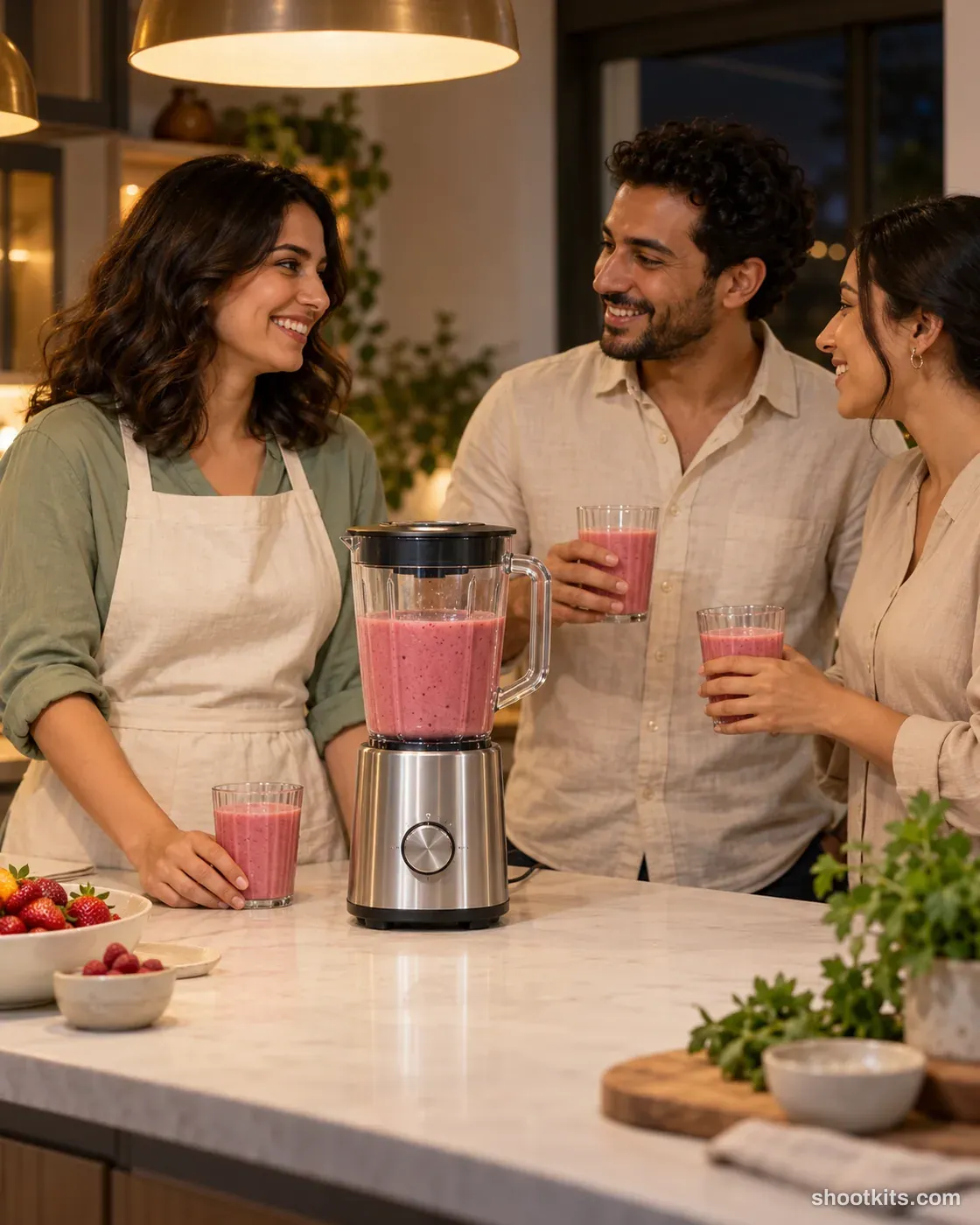
Dinner party
- Single shot
- Model included
- Portrait 4:5
An evening gathering adds a social setting to a kitchen appliance campaign. It works for products used when hosting, such as blenders, coffee makers and countertop drink equipment. The people provide context, while the island keeps the appliance in a visible position instead of turning it into background decoration. In ChatGPT, include your product photo and explain the drink or food it prepares. Limit the group to a few adults and ask for unobstructed product placement, then review every glass and hand before publishing.
Describe your kitchen appliance in a few words. Still attach your product photo in ChatGPT.
Attach your product photo before you paste the prompt. A plain background and even light give the most accurate result.
How to use this prompt
- Photograph your kitchen appliance. Use a plain background and soft, even light. A phone photo is fine if it's sharp.
- Open ChatGPT and attach the photo. Use a model that can create images.
- Paste the prompt and send it. You get one finished photo.
- Fix details in the same chat. If something changed, reply with what to keep, for example: “Keep the label exactly as in my photo.”
More tips in How it works.
Questions about this kit
- What does the Dinner party prompt create?
- It creates one finished portrait photo (4:5) of your own kitchen appliance, in this scene: open kitchen at night. The 4:5 shape fits Instagram feed posts and most product pages.
- Do I need to provide a model?
- No. ChatGPT casts an adult model itself. You only upload a photo of your kitchen appliance.
- Will ChatGPT keep my kitchen appliance exactly as it is?
- The prompt tells ChatGPT to treat your photo as the source of truth and to protect the buttons, dials, display, finish and proportions. If a detail still changes, reply in the same chat: “Keep the buttons exactly as in my photo.”